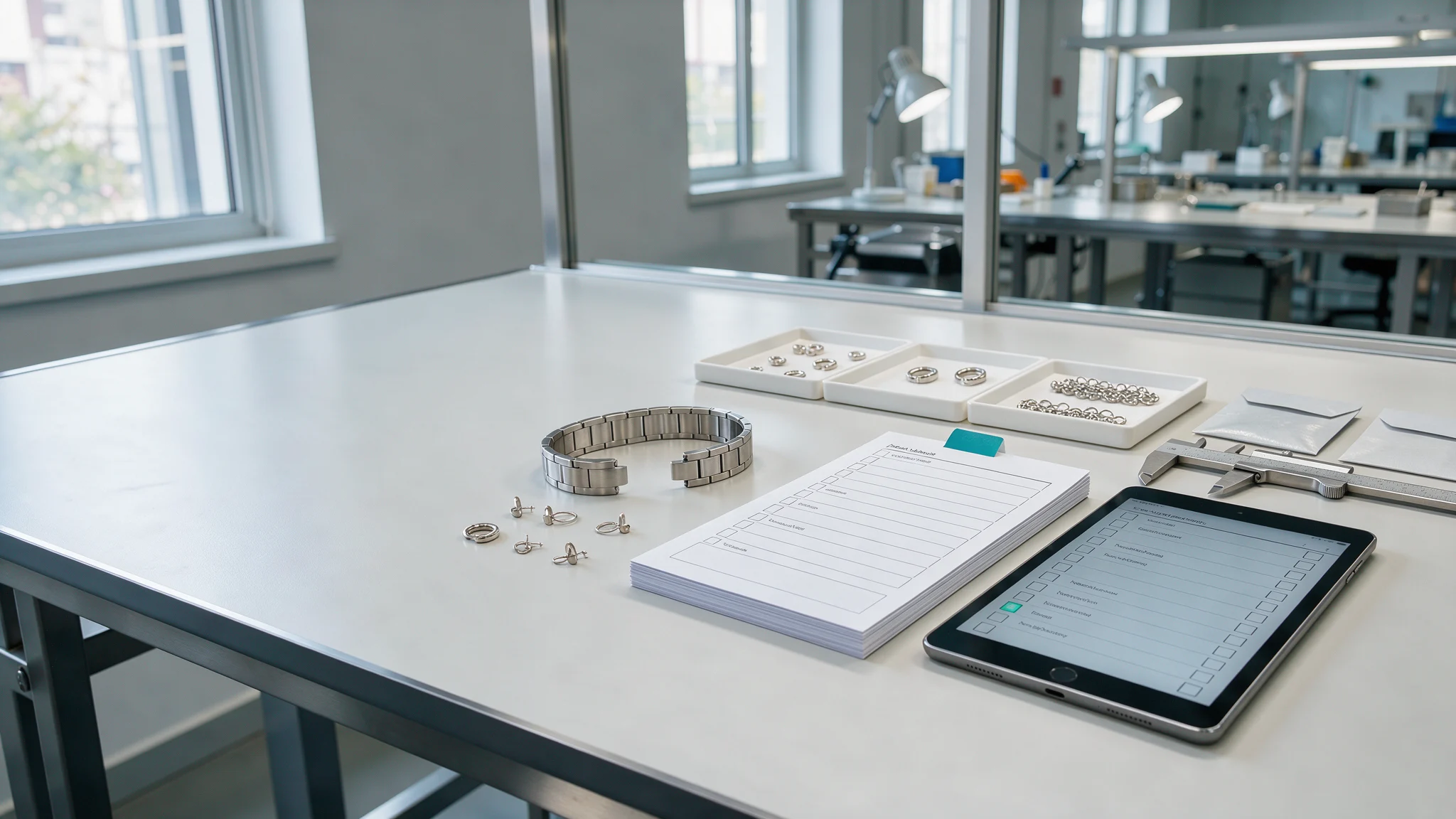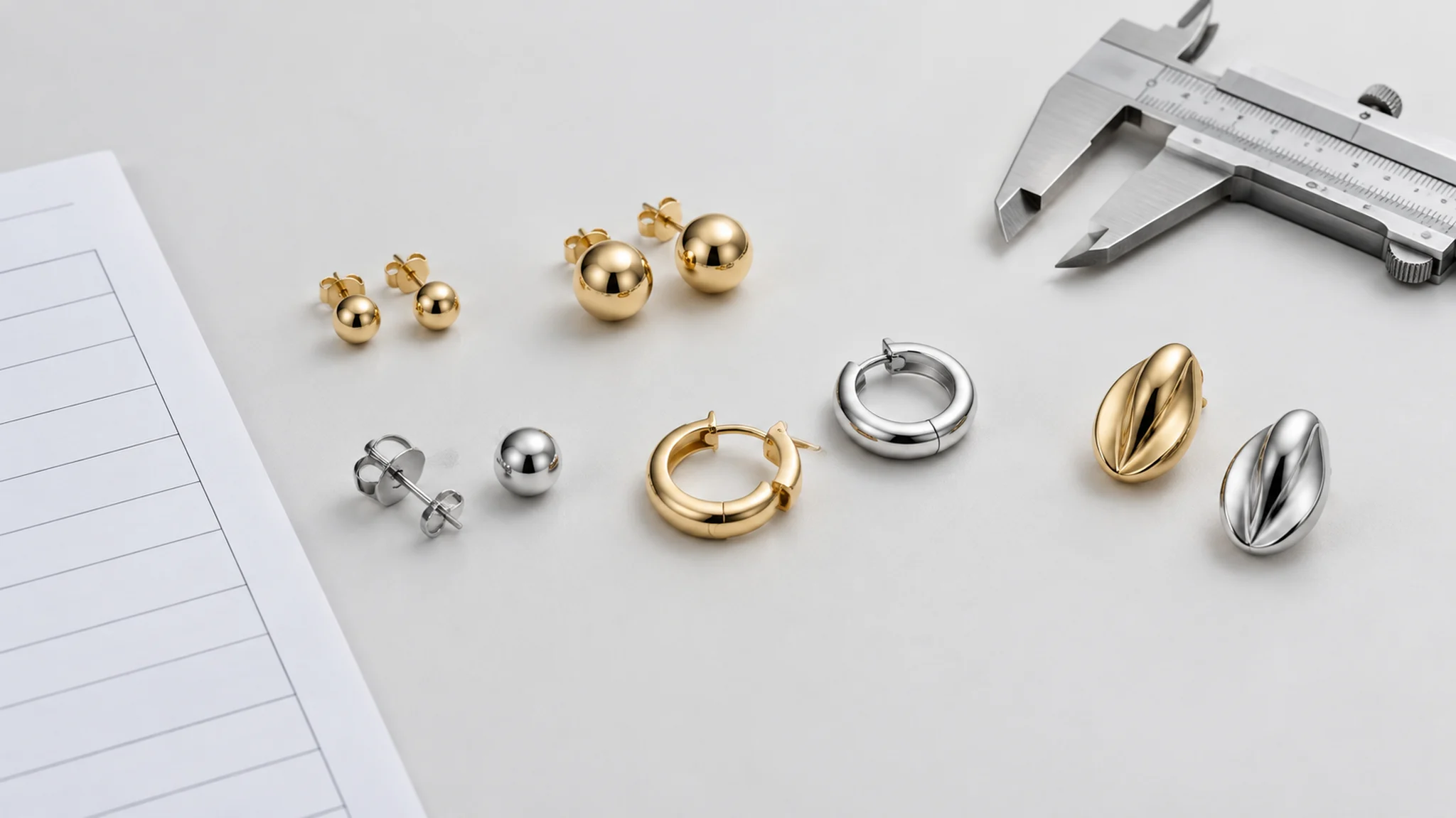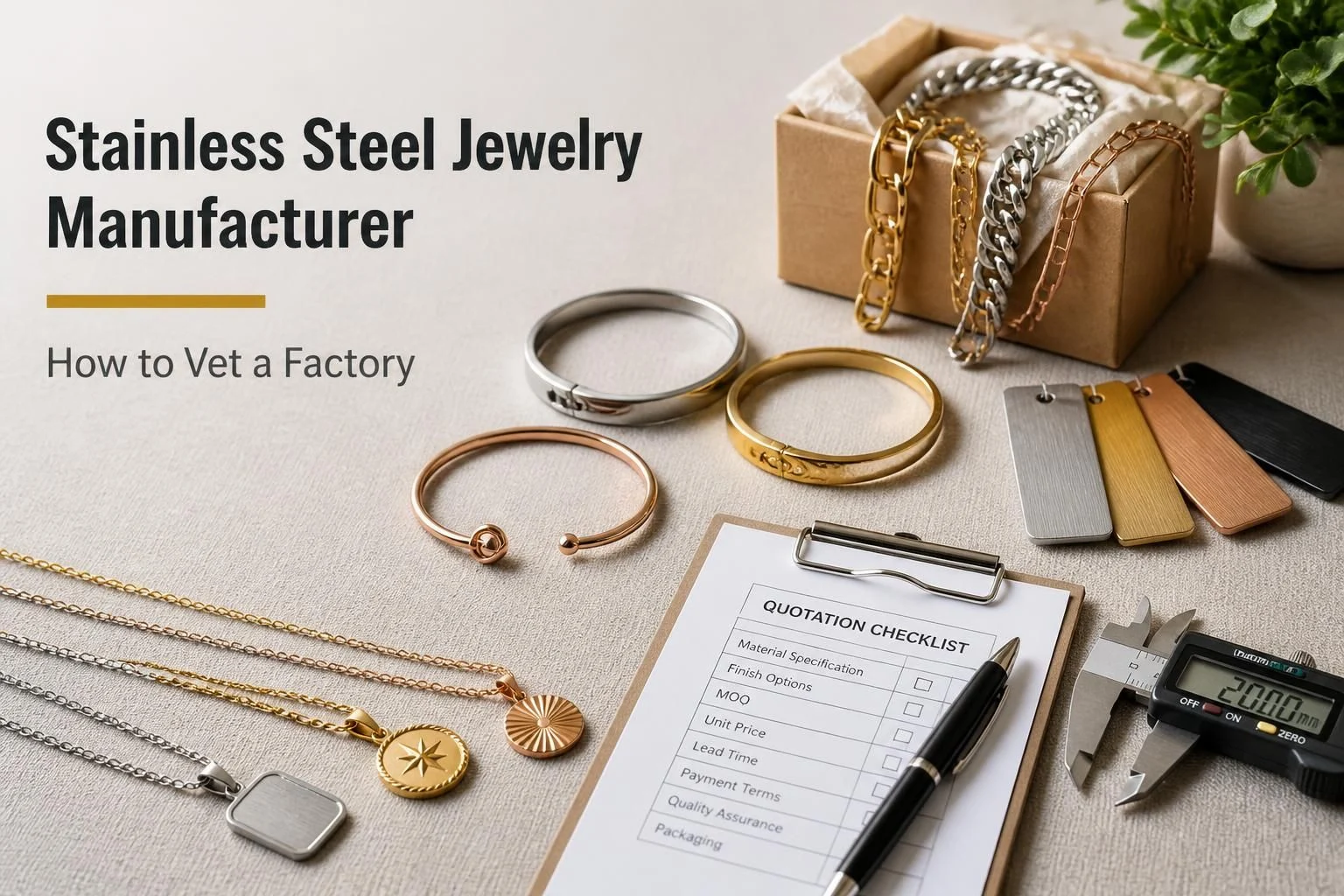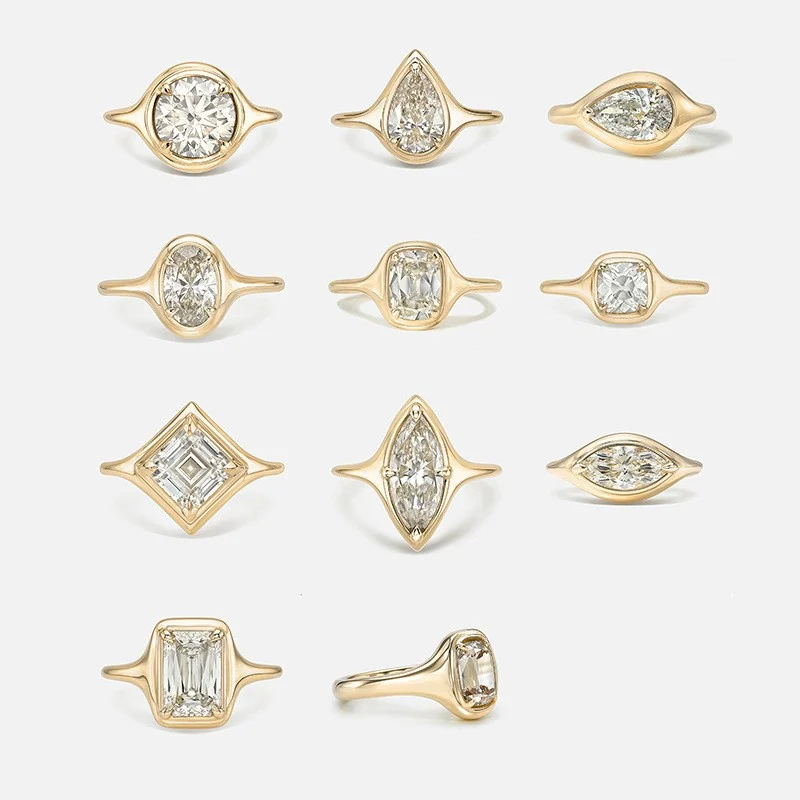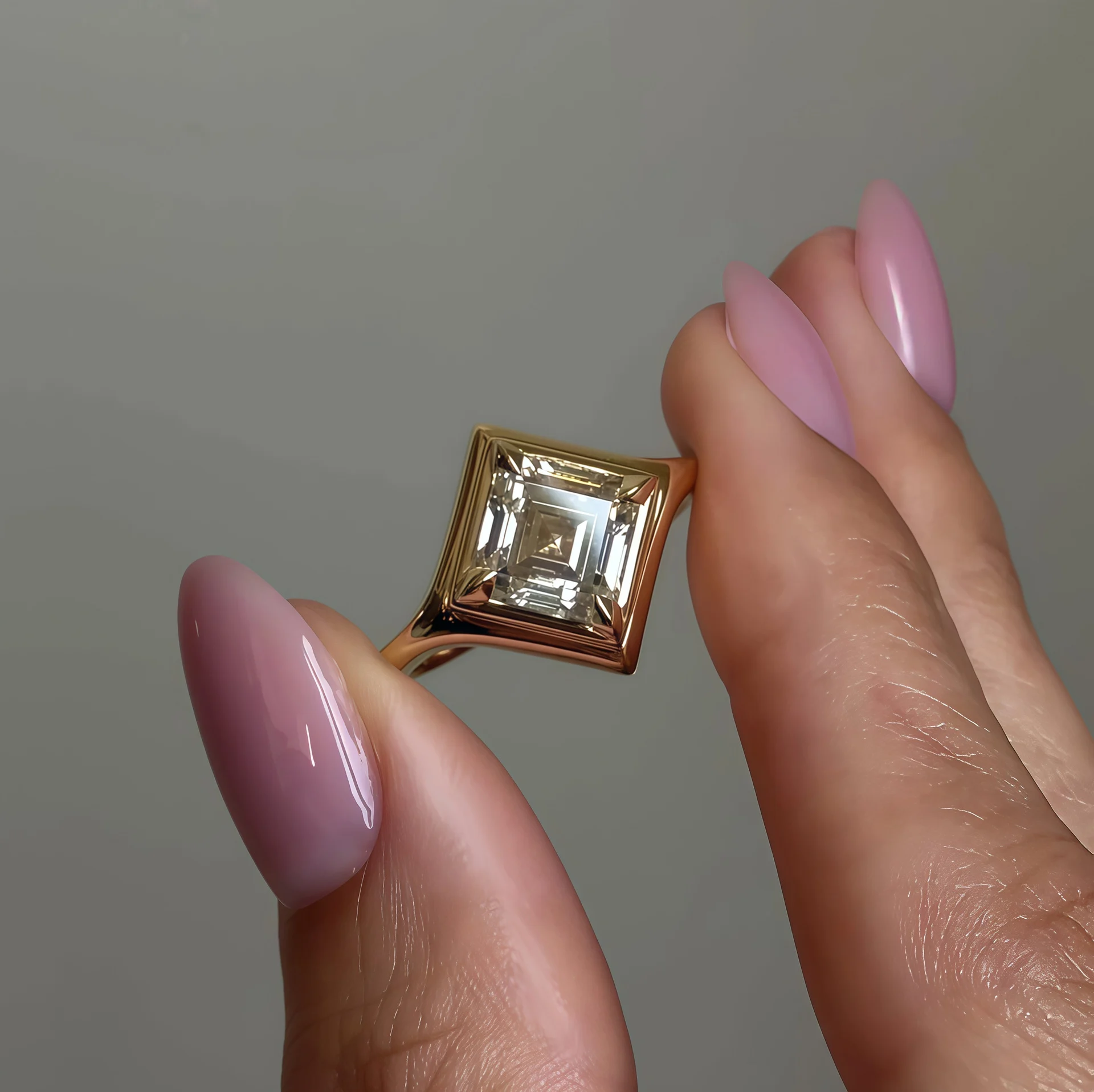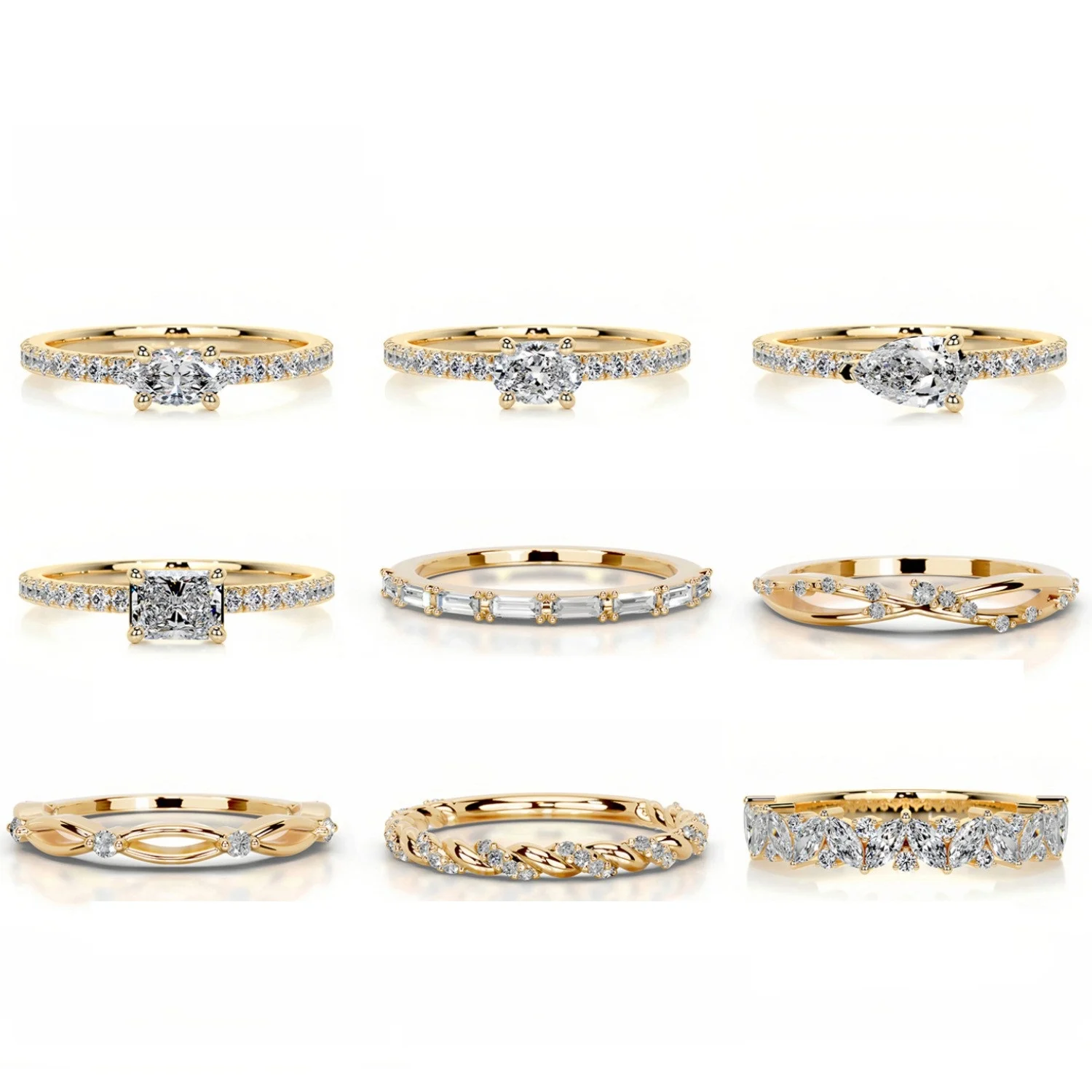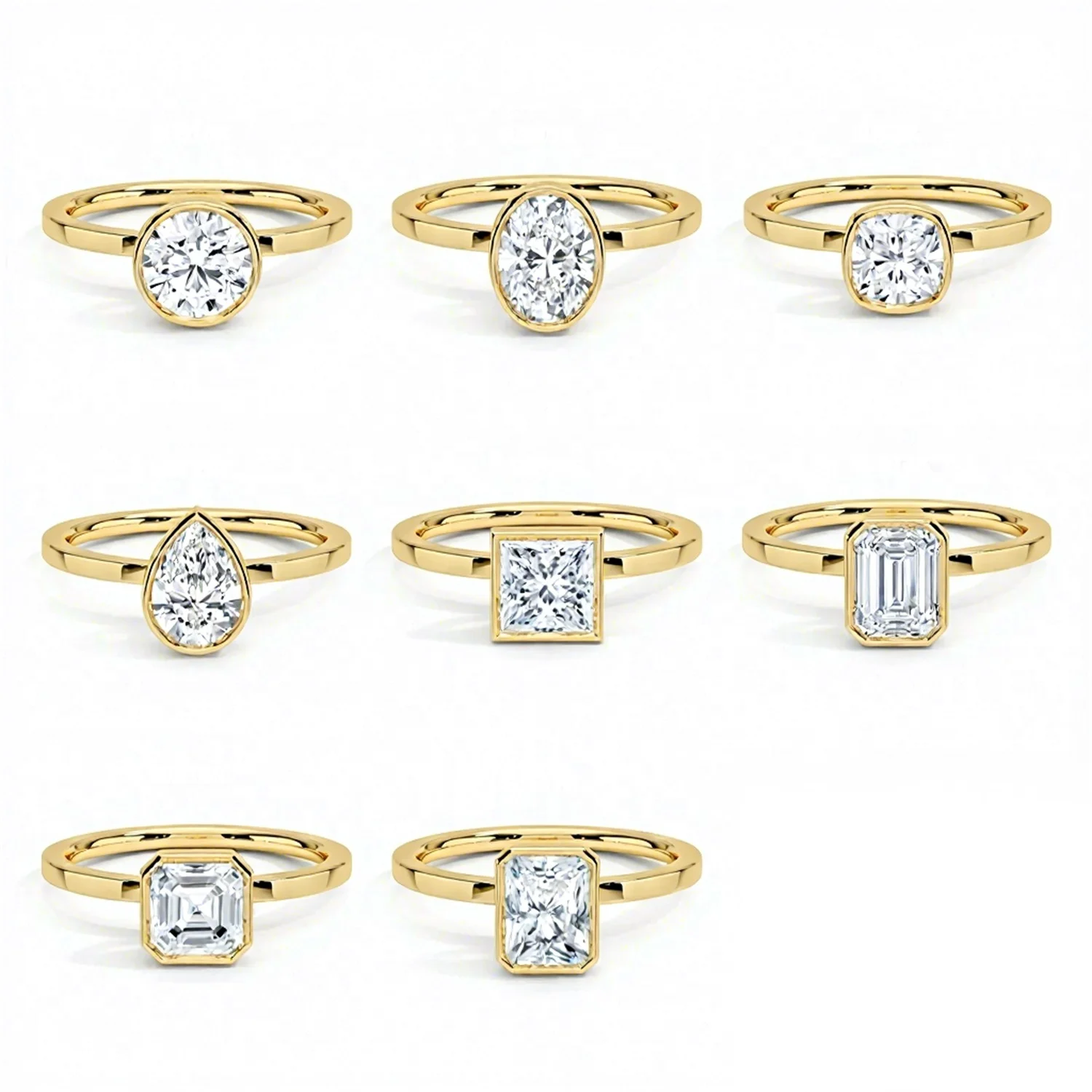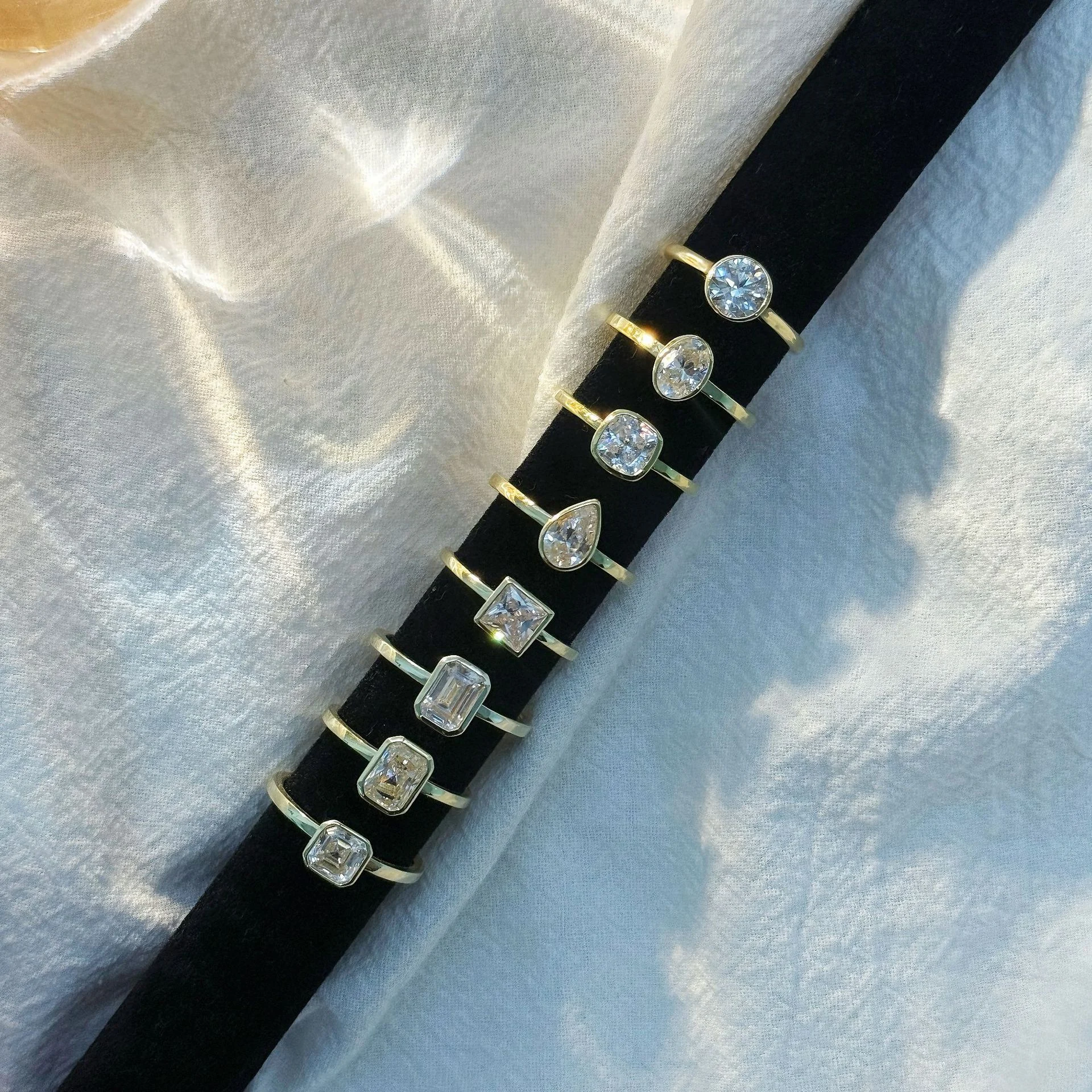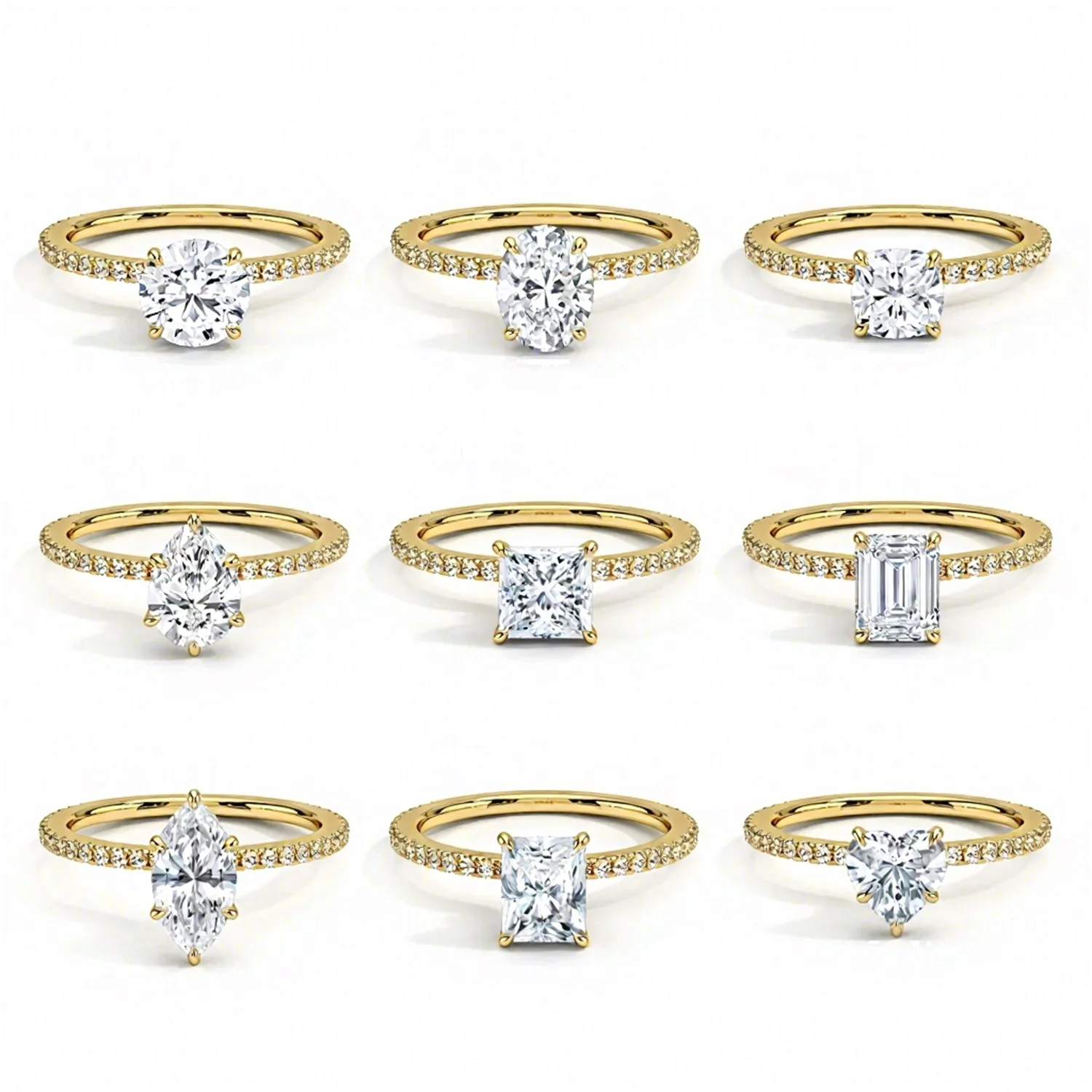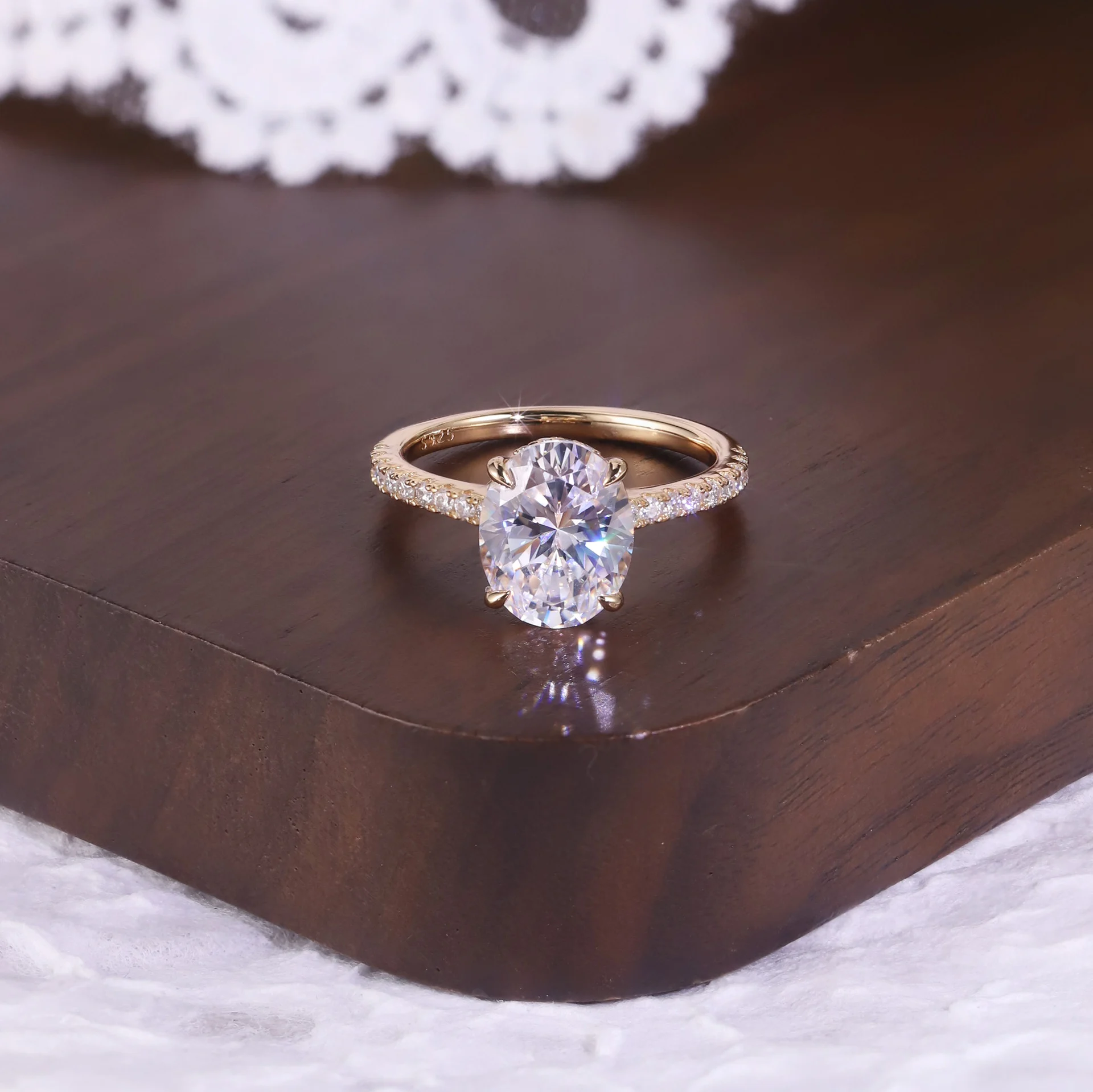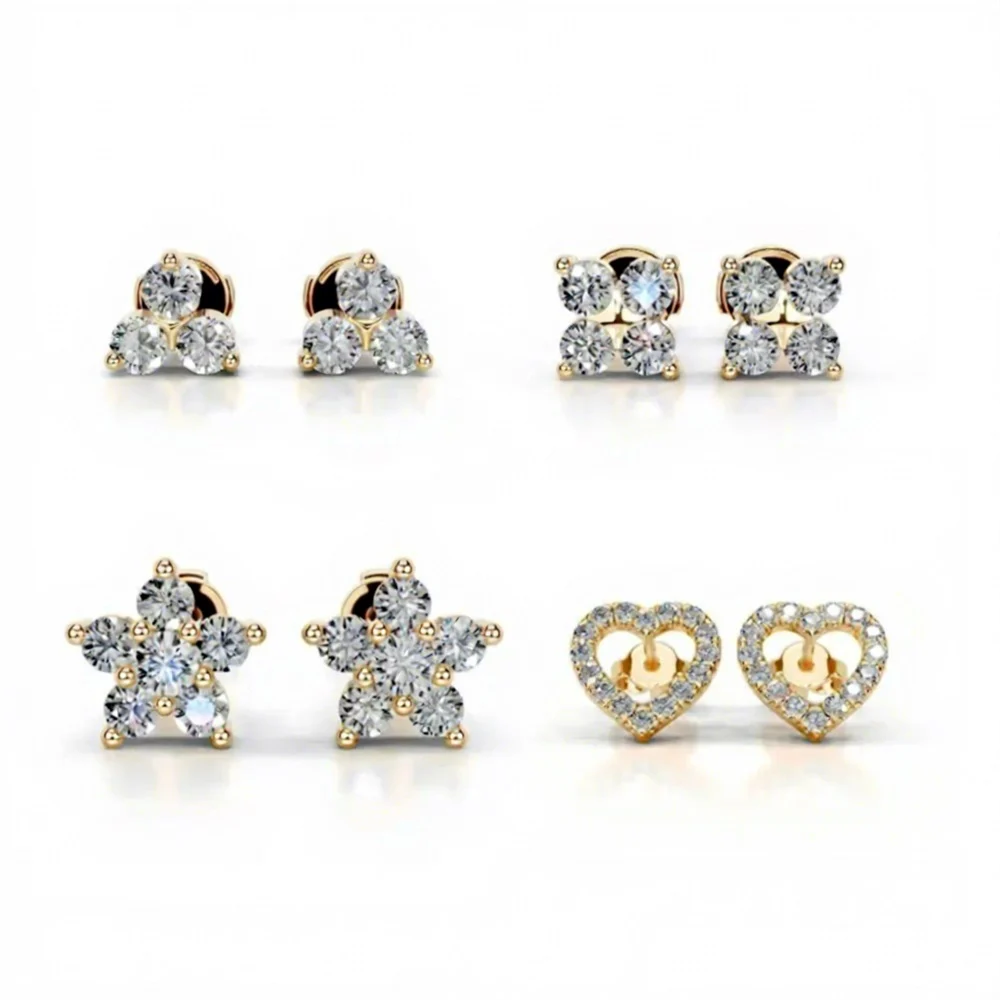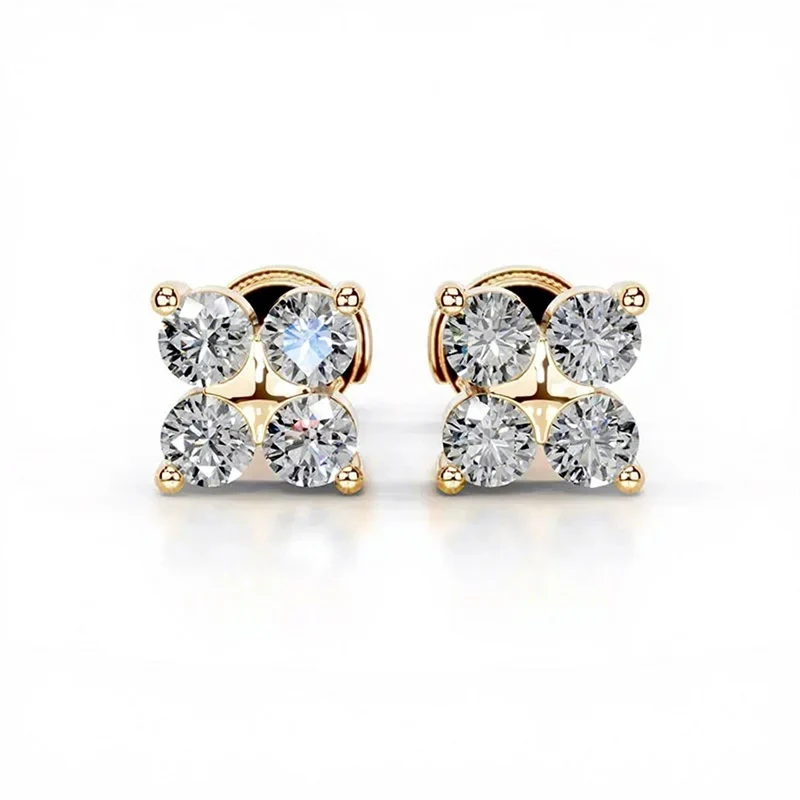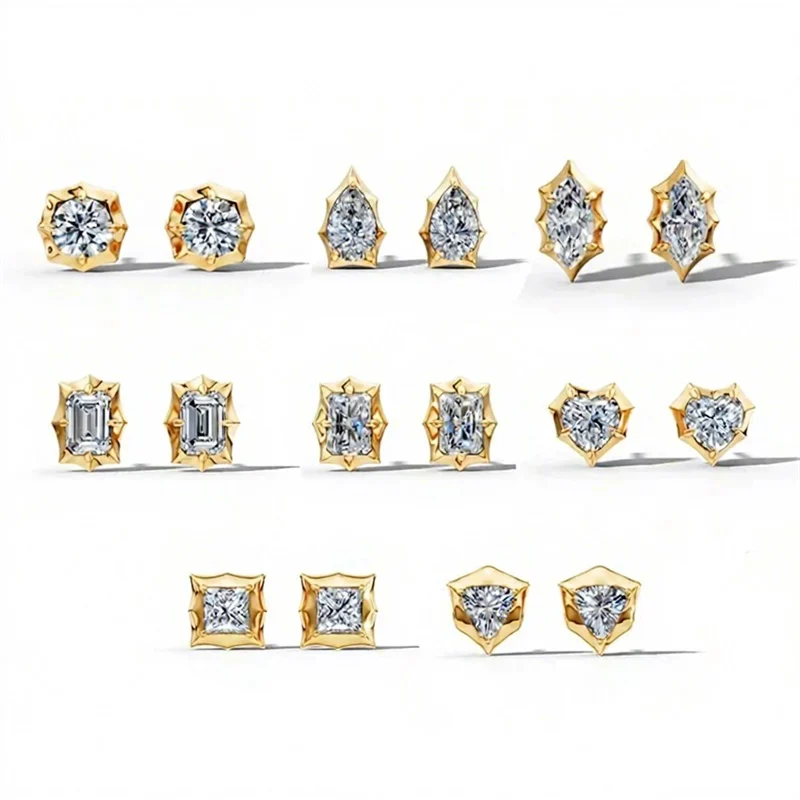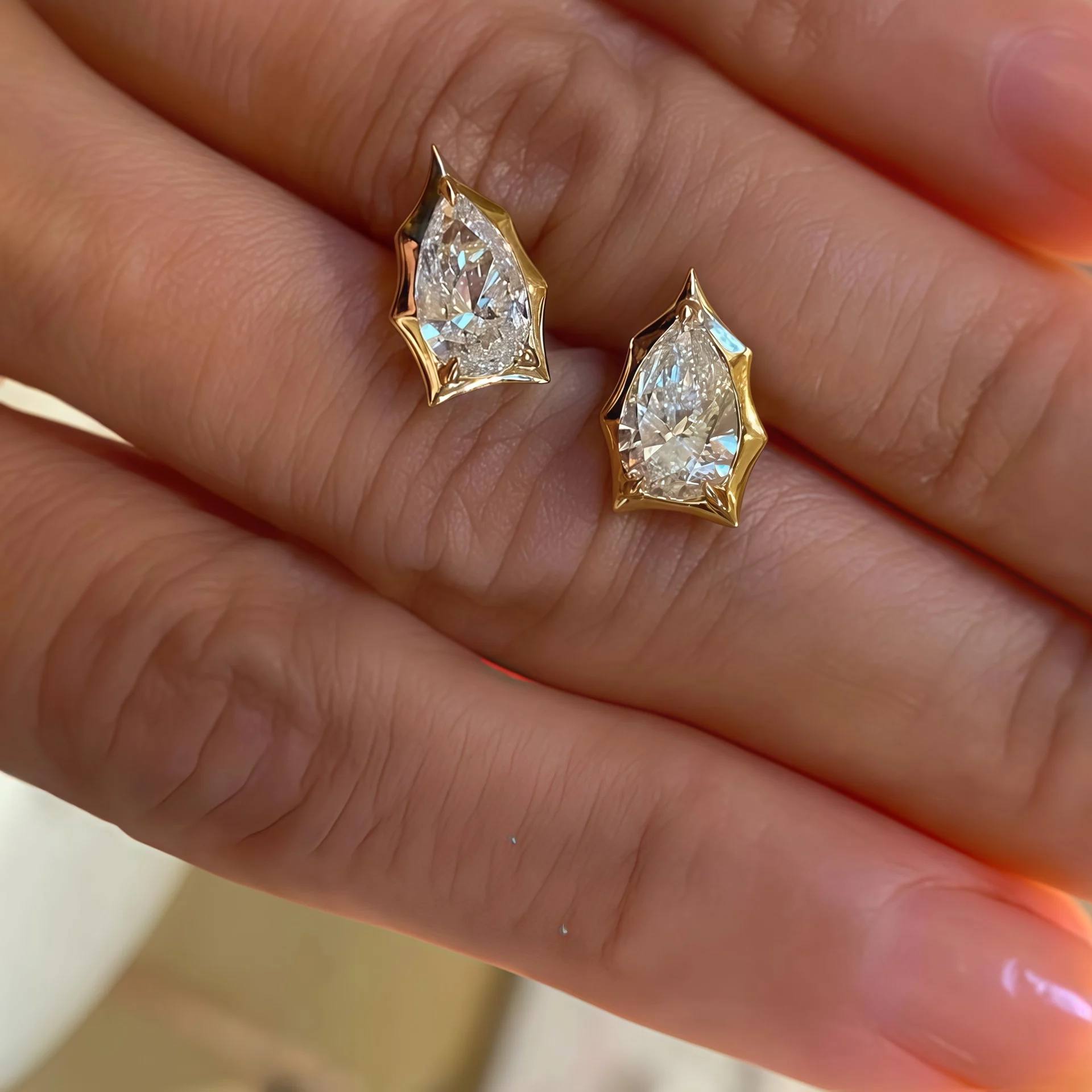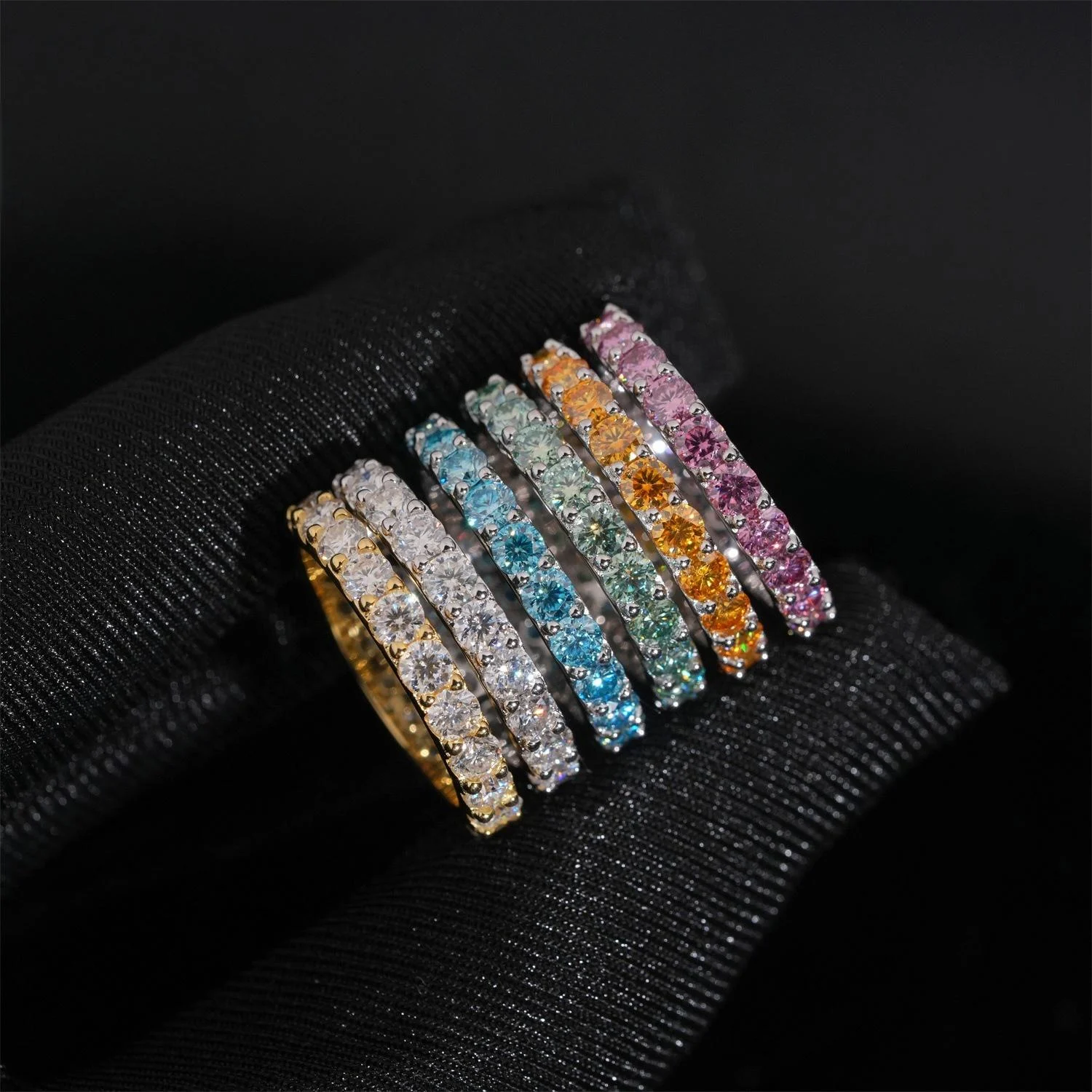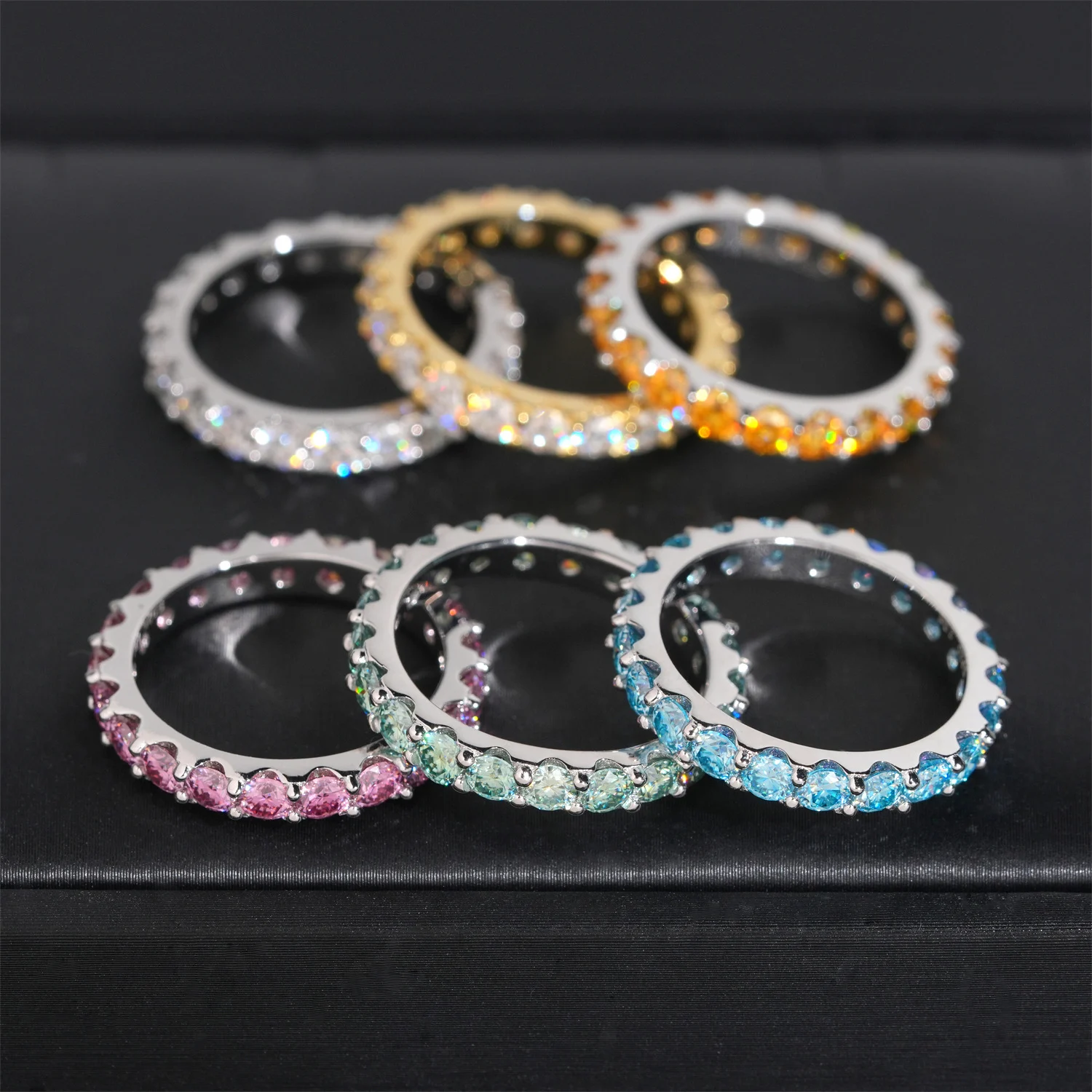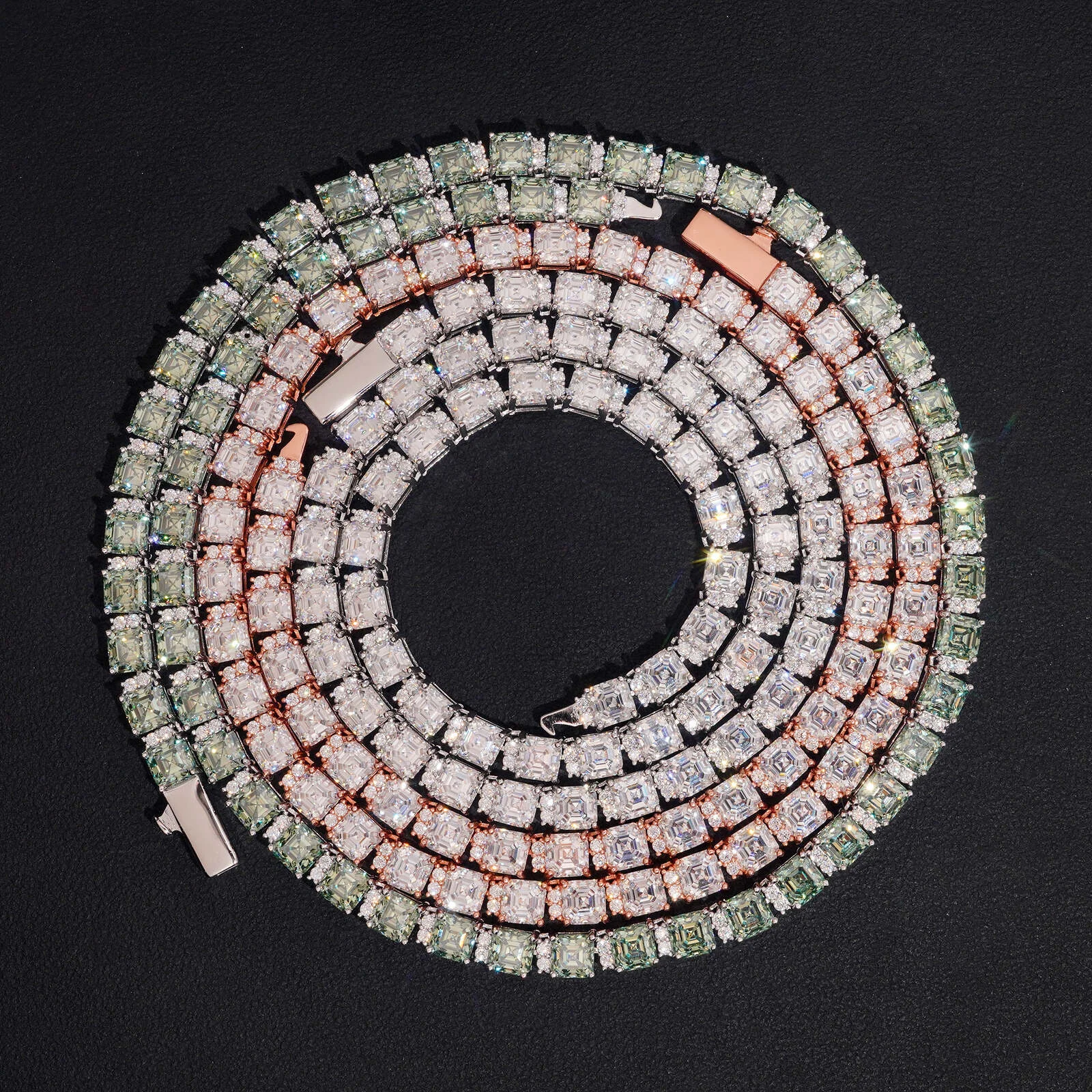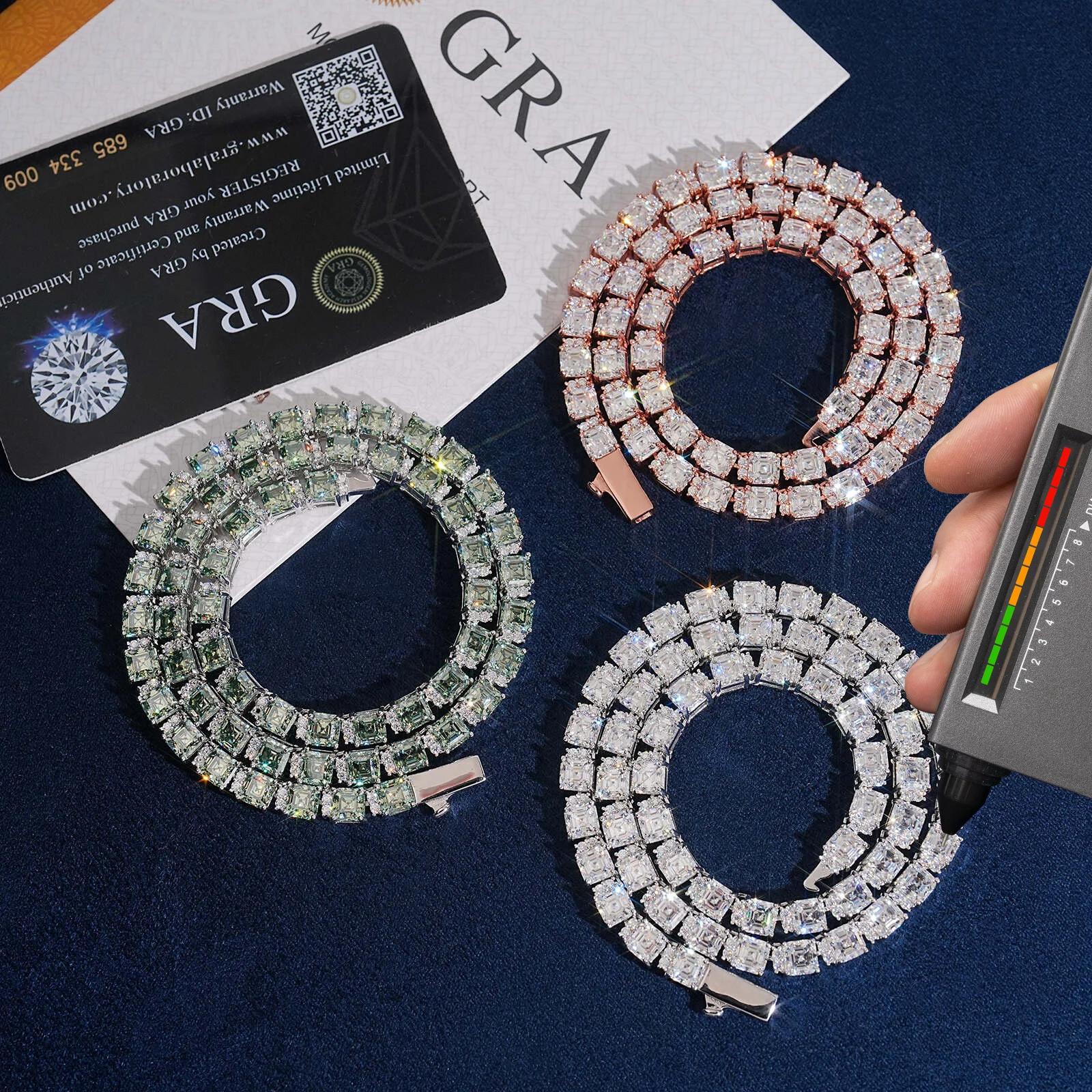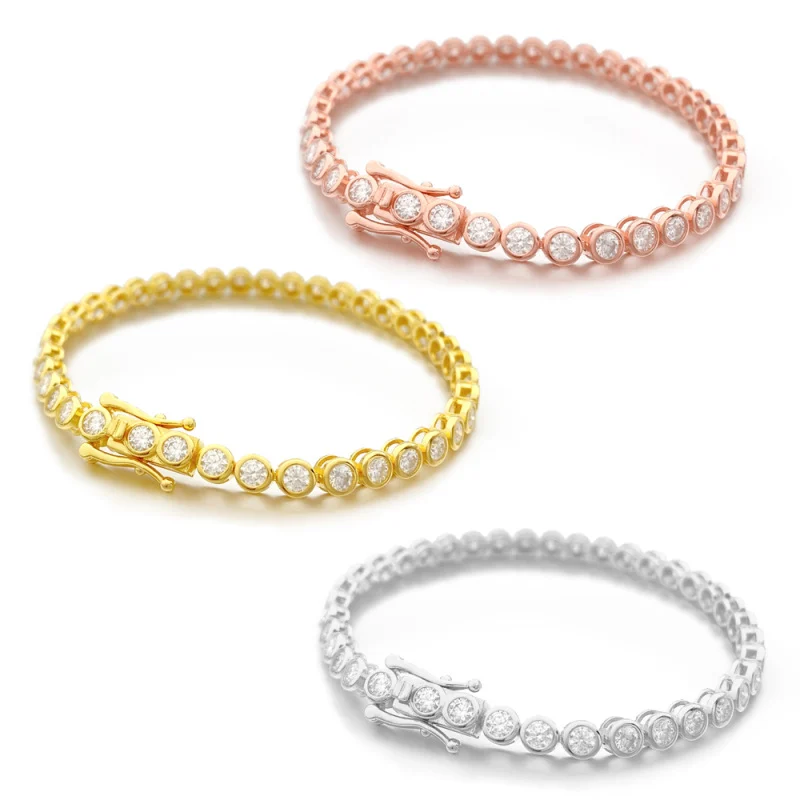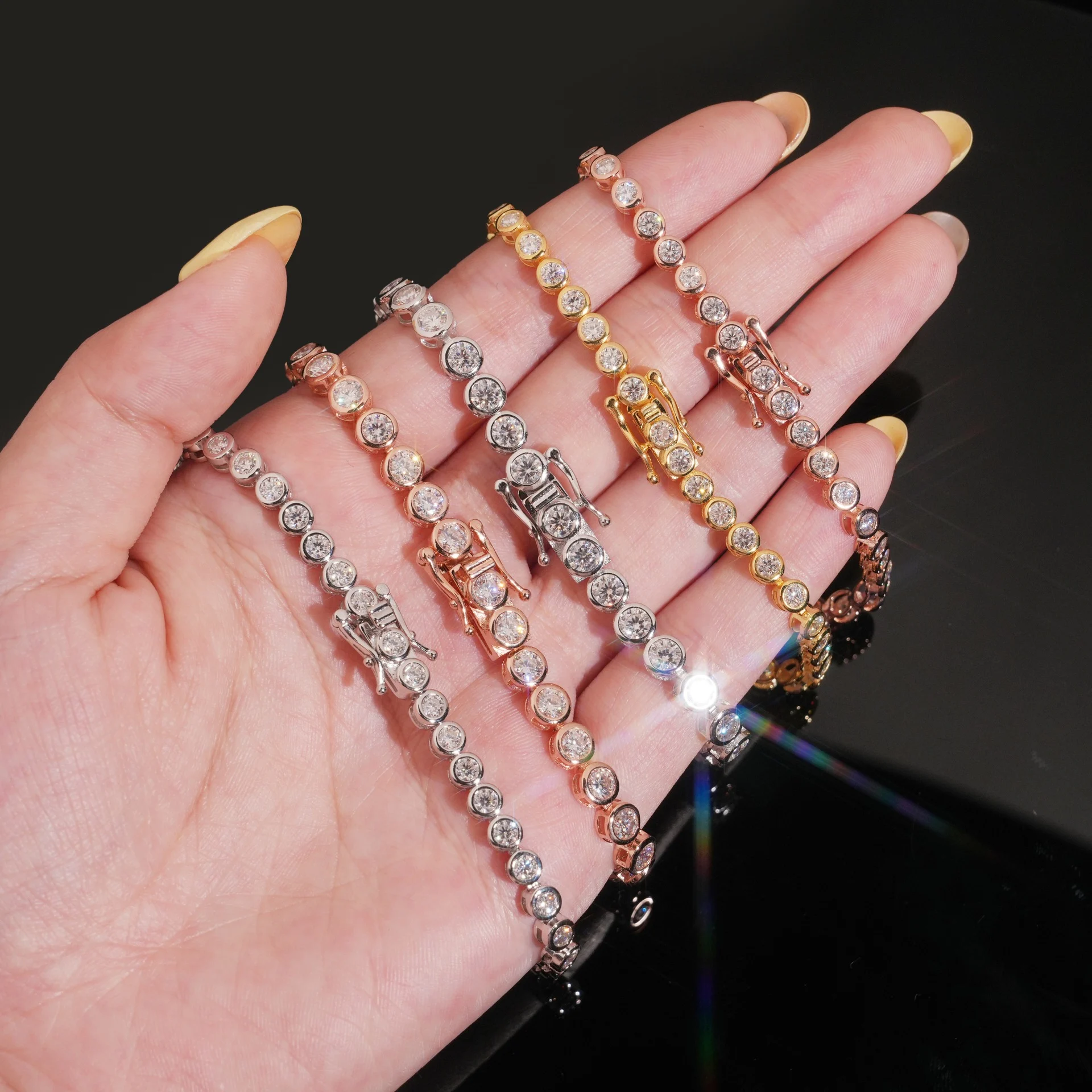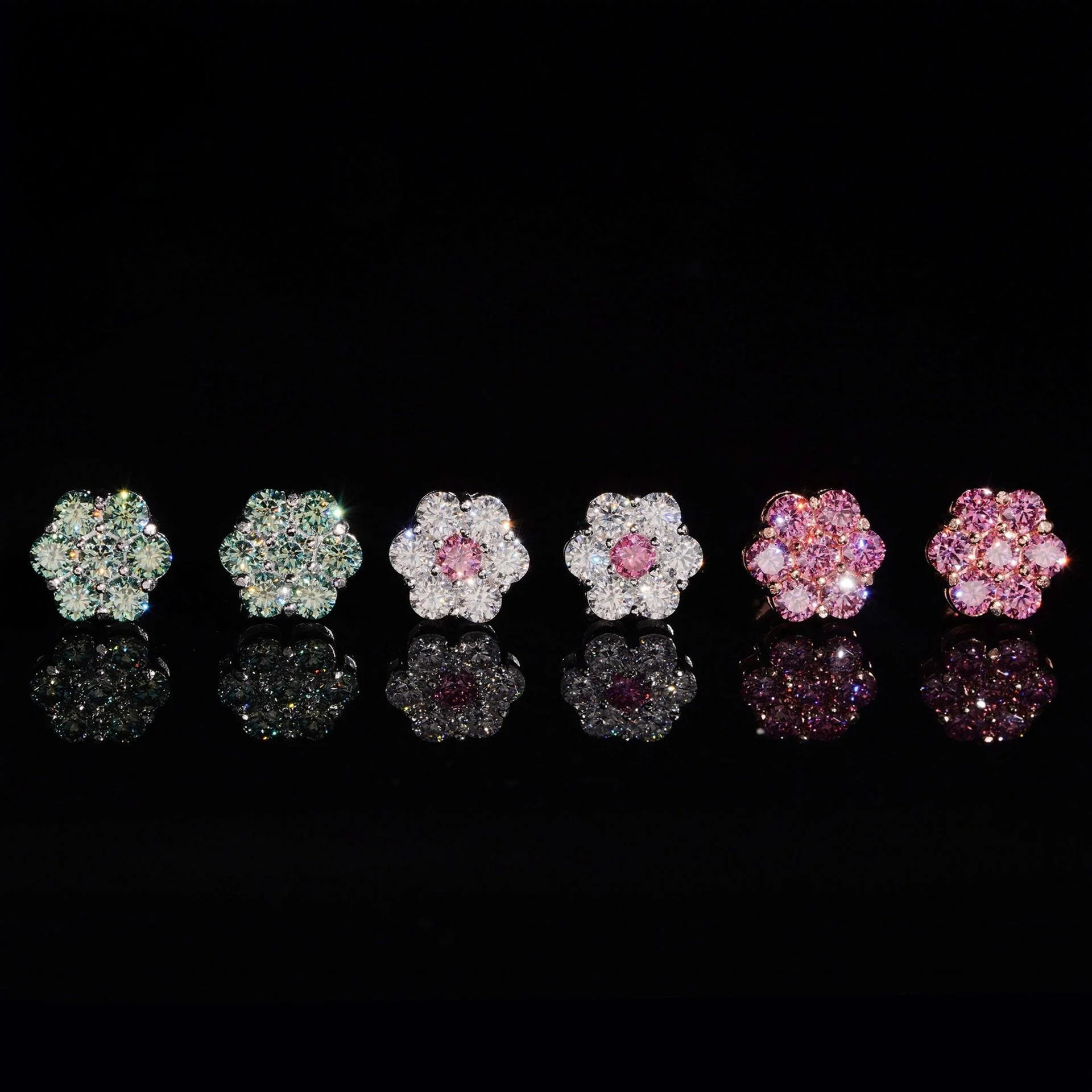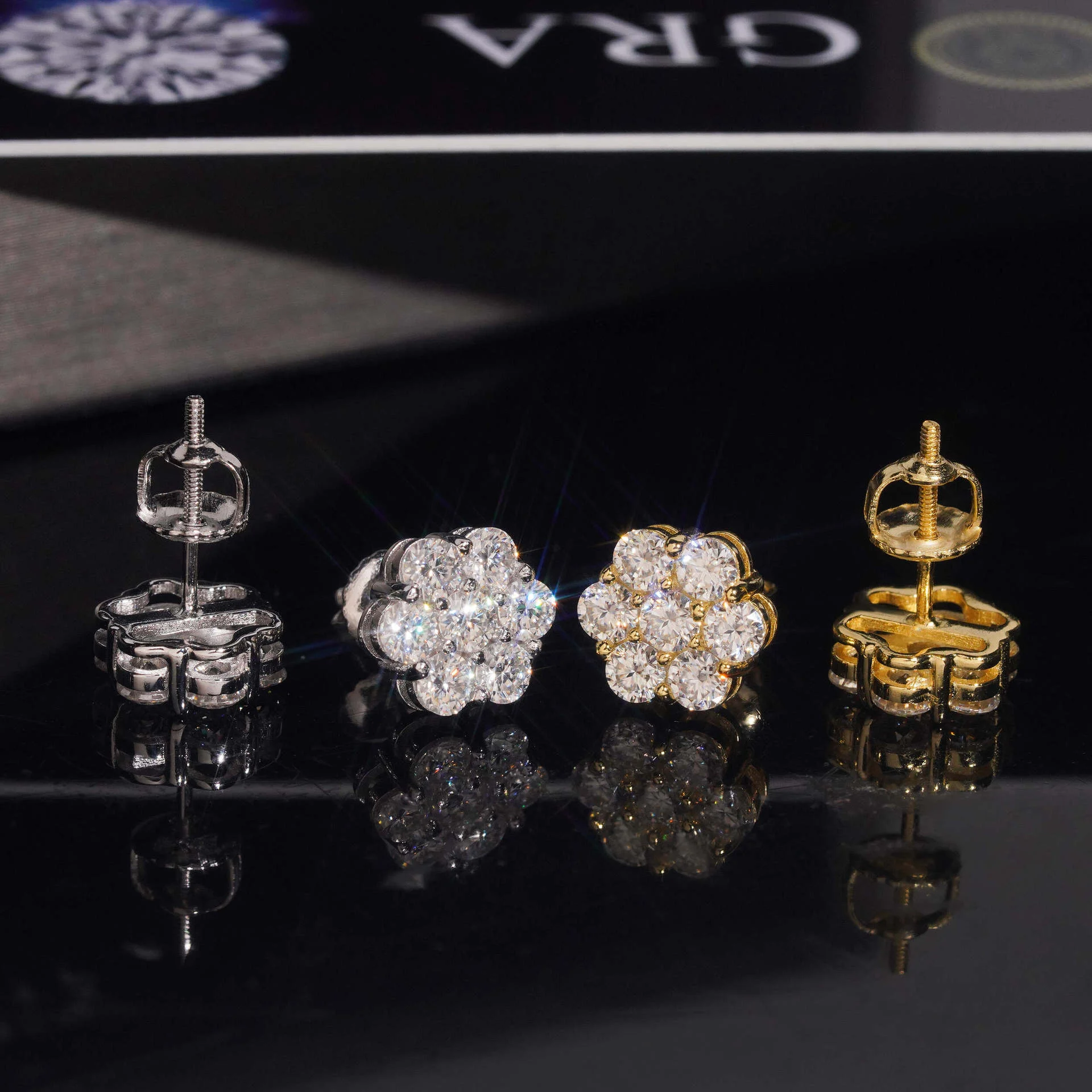


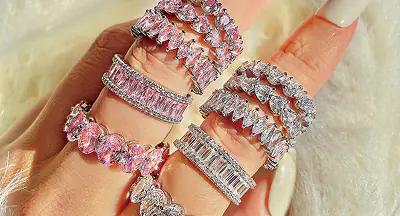





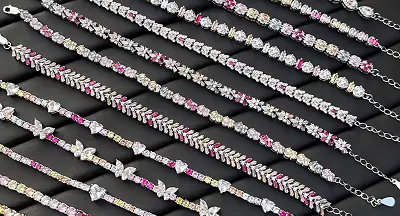


A useful jewelry display makes pieces easy to see, compare, and handle while supporting the way customers shop. The same principles apply online and in a physical store: show scale, keep related products together, use accurate lighting, and remove visual clutter. Treat display choices as something to test with customers rather than as a guaranteed sales formula.

Start with the customer and the product
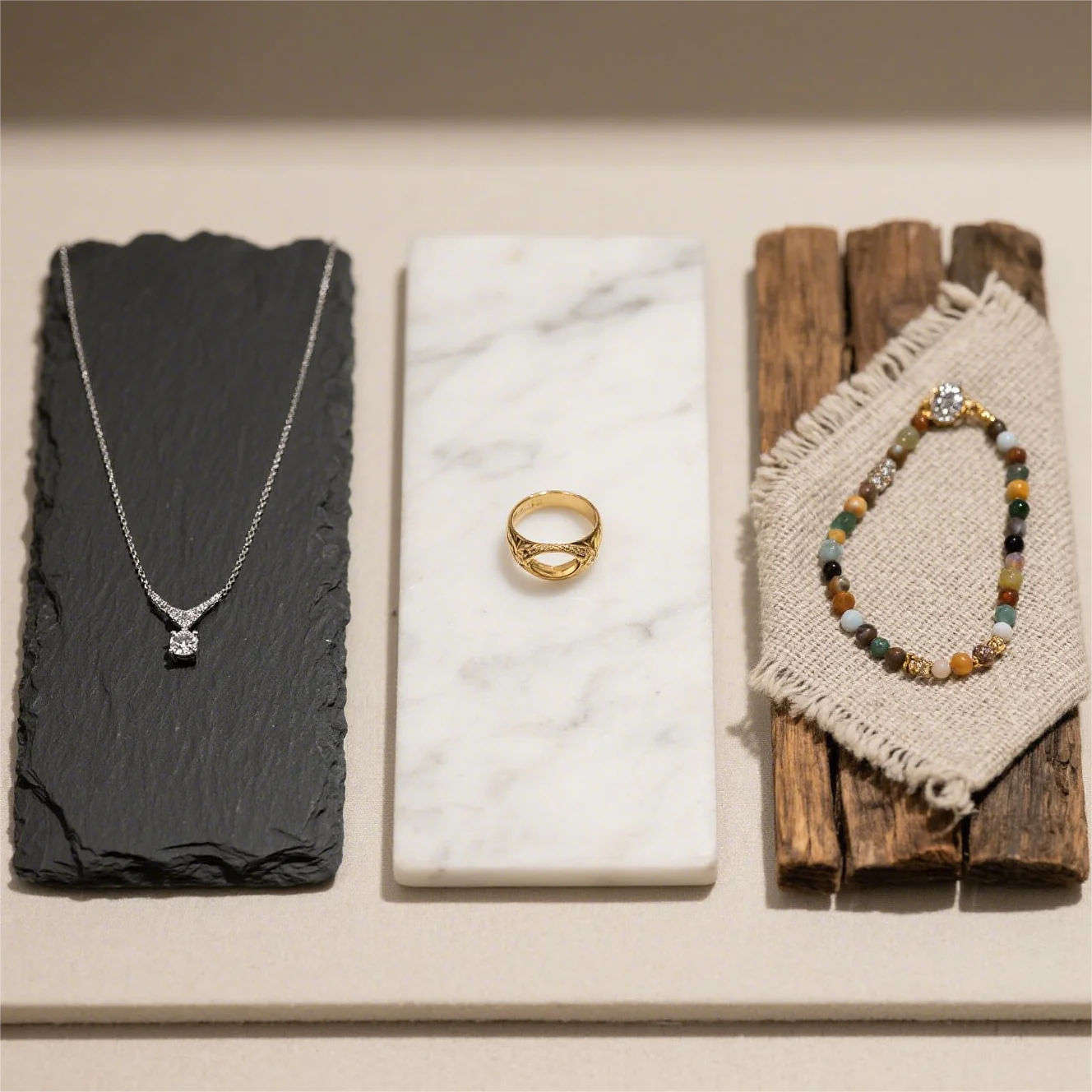
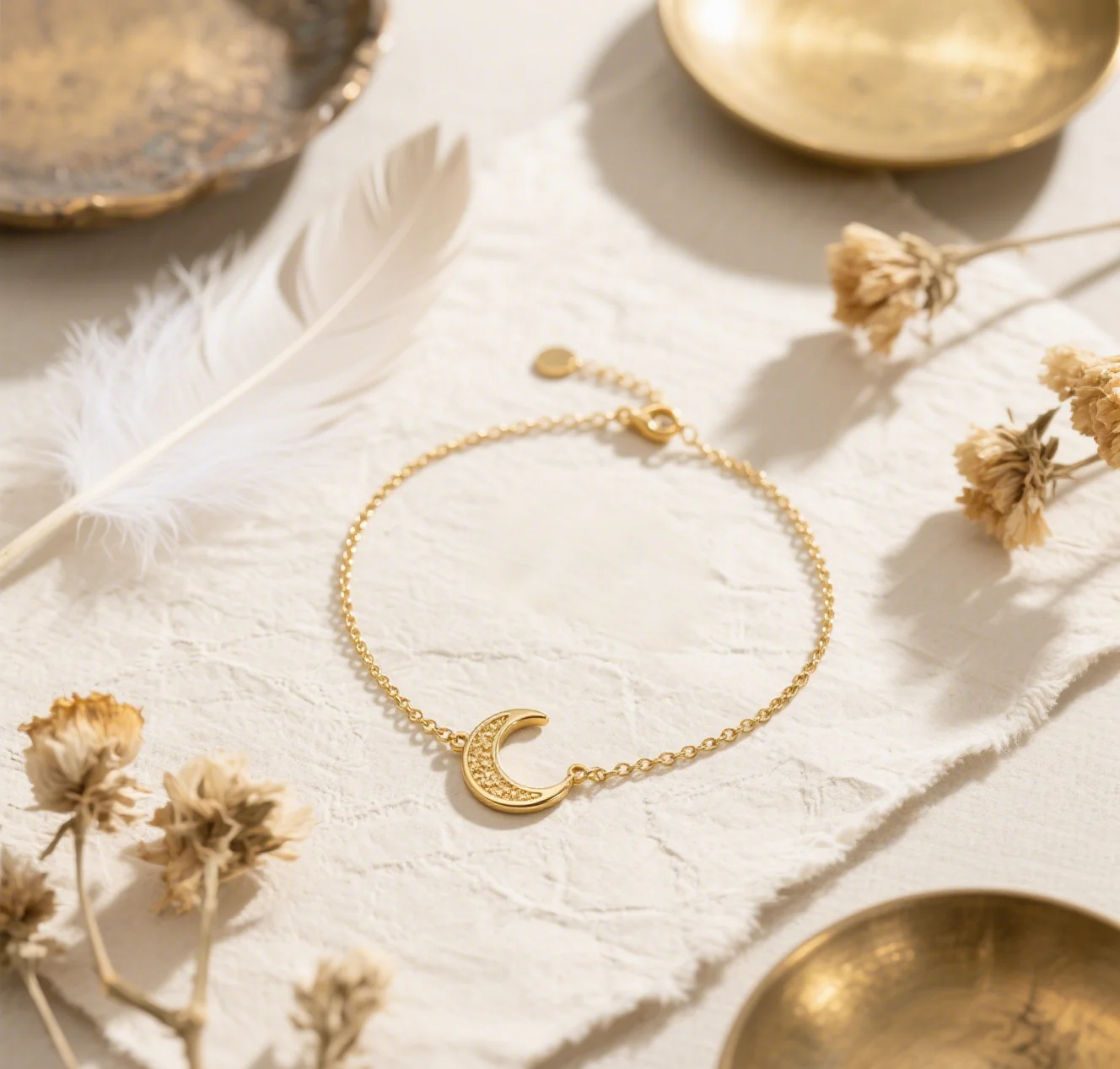
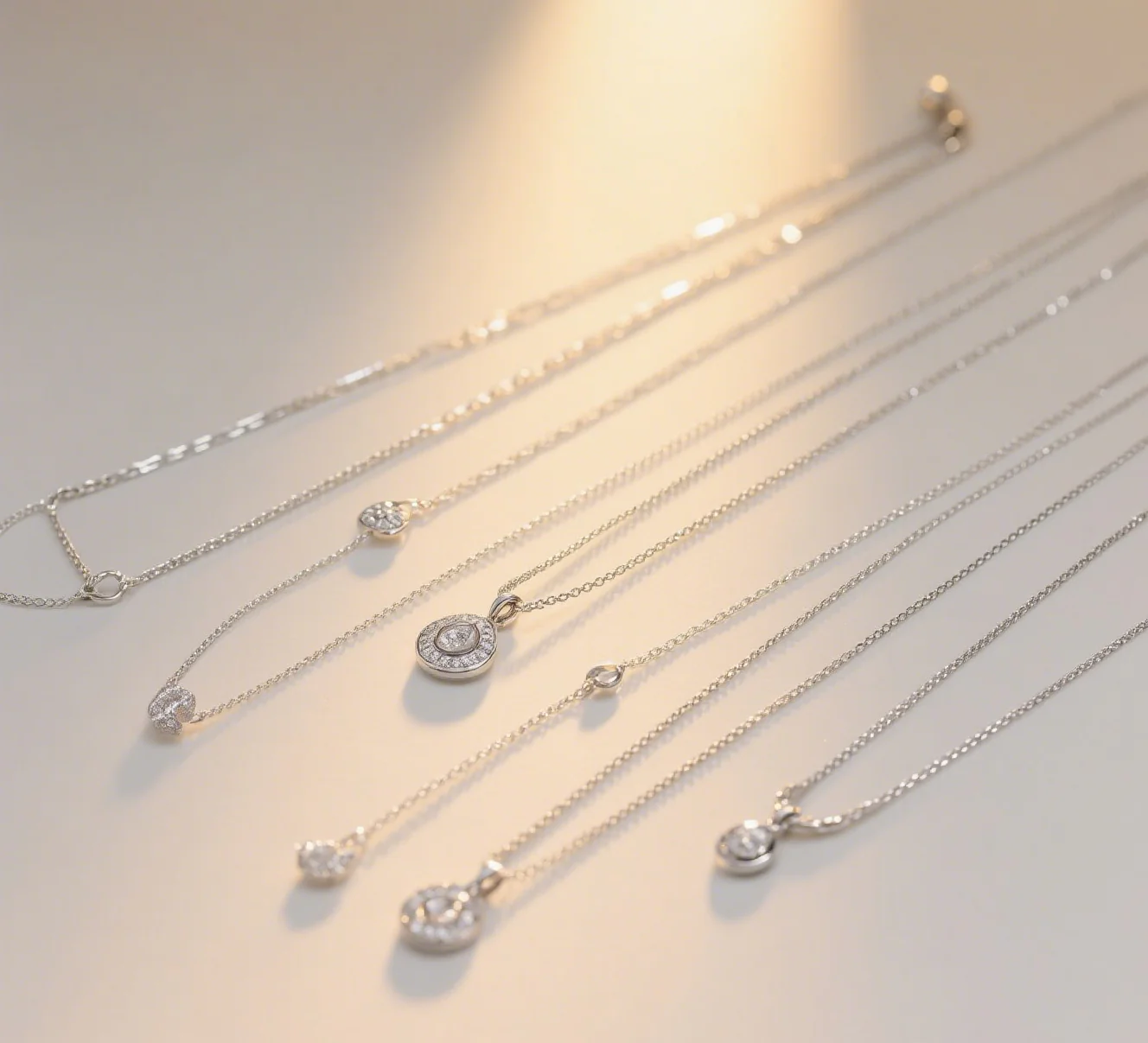
Group pieces by a useful shopping decision, such as material, collection, occasion, or price range. Keep a coordinated set together when customers may want to compare or layer items. Leave enough space to see each item’s shape and detail. Use props only when they help explain scale or styling and do not obscure the jewelry.
Build a clear focal point
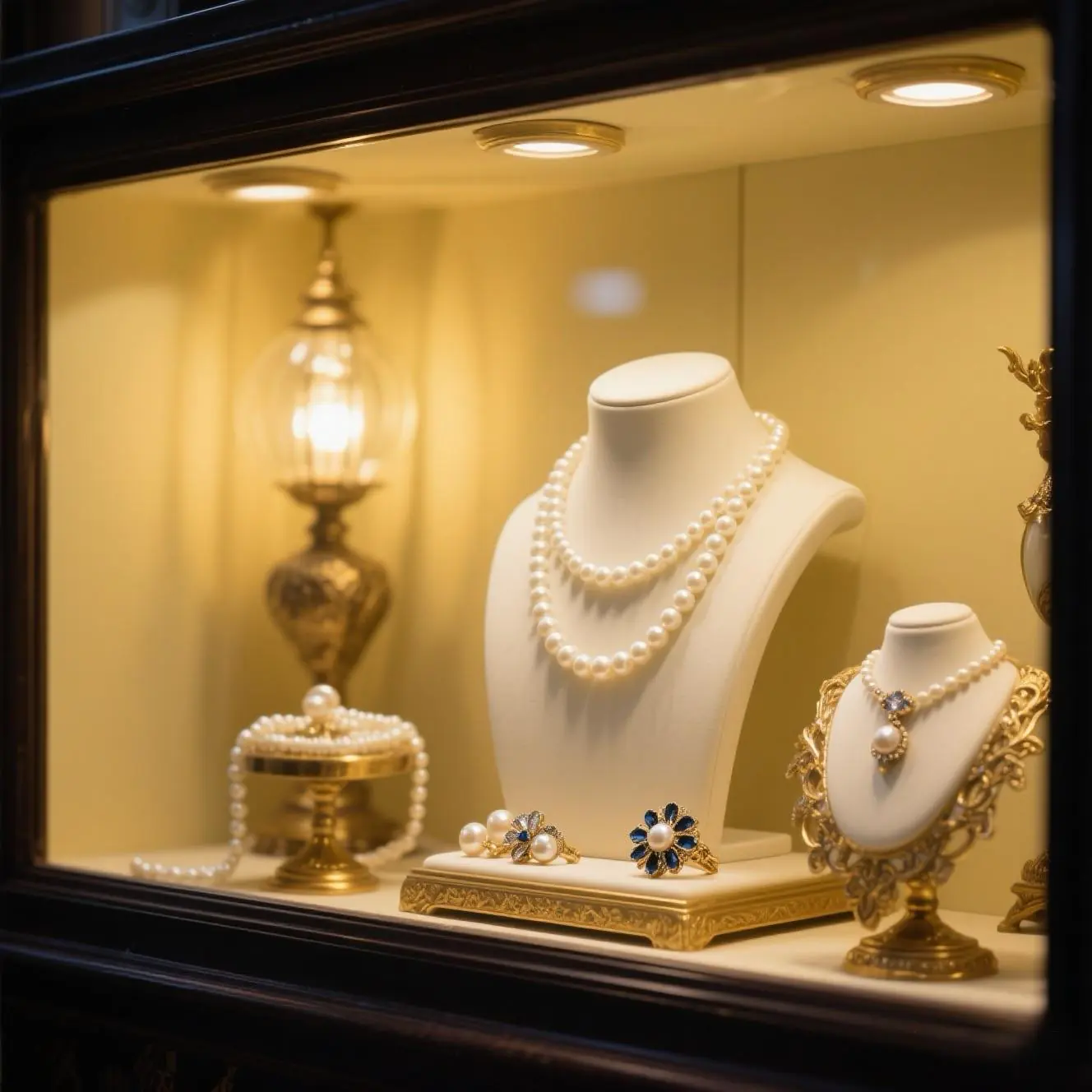
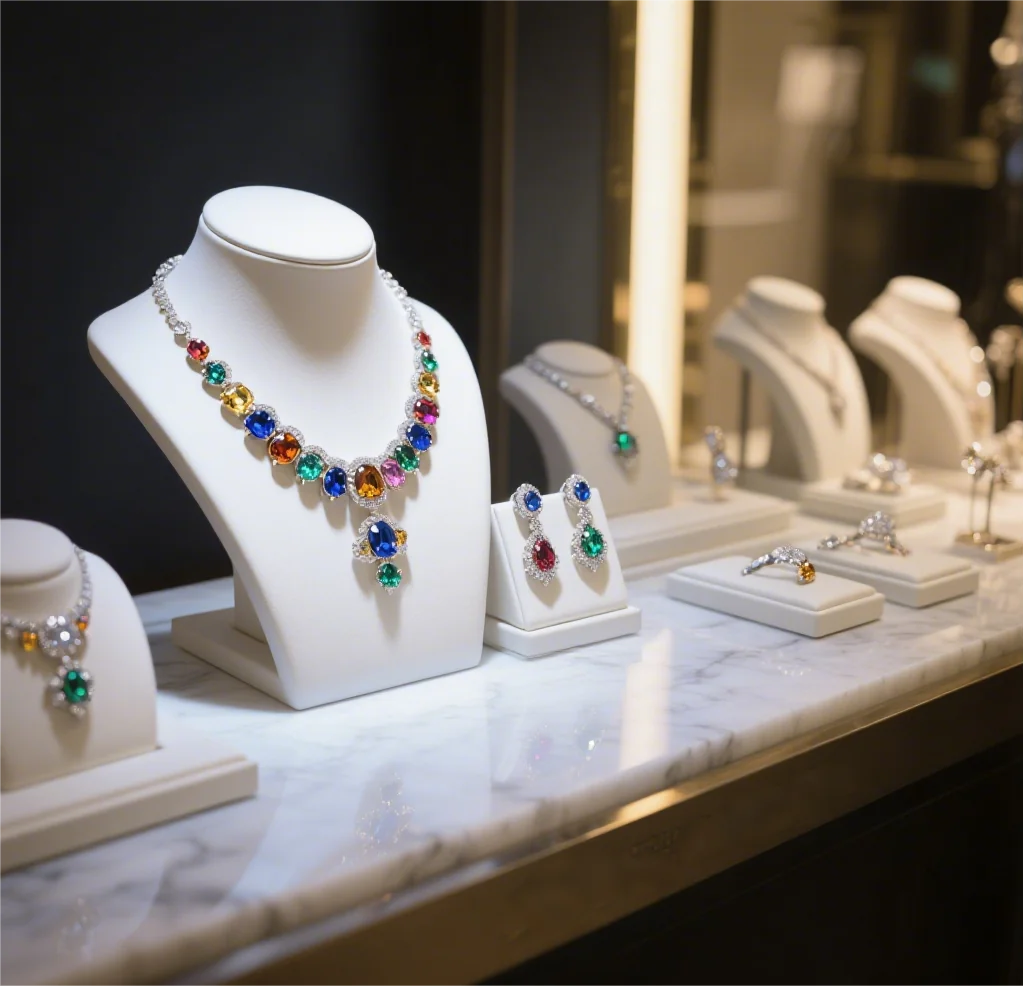
Choose a small number of focal products for a window, table, or page section. Give them room and use height or a simple stand to create a visual path through the assortment. Keep nearby pieces complementary so the display feels coherent. Refresh the focal selection when stock or the season changes, and remove empty stands promptly.
Use background and lighting to show detail
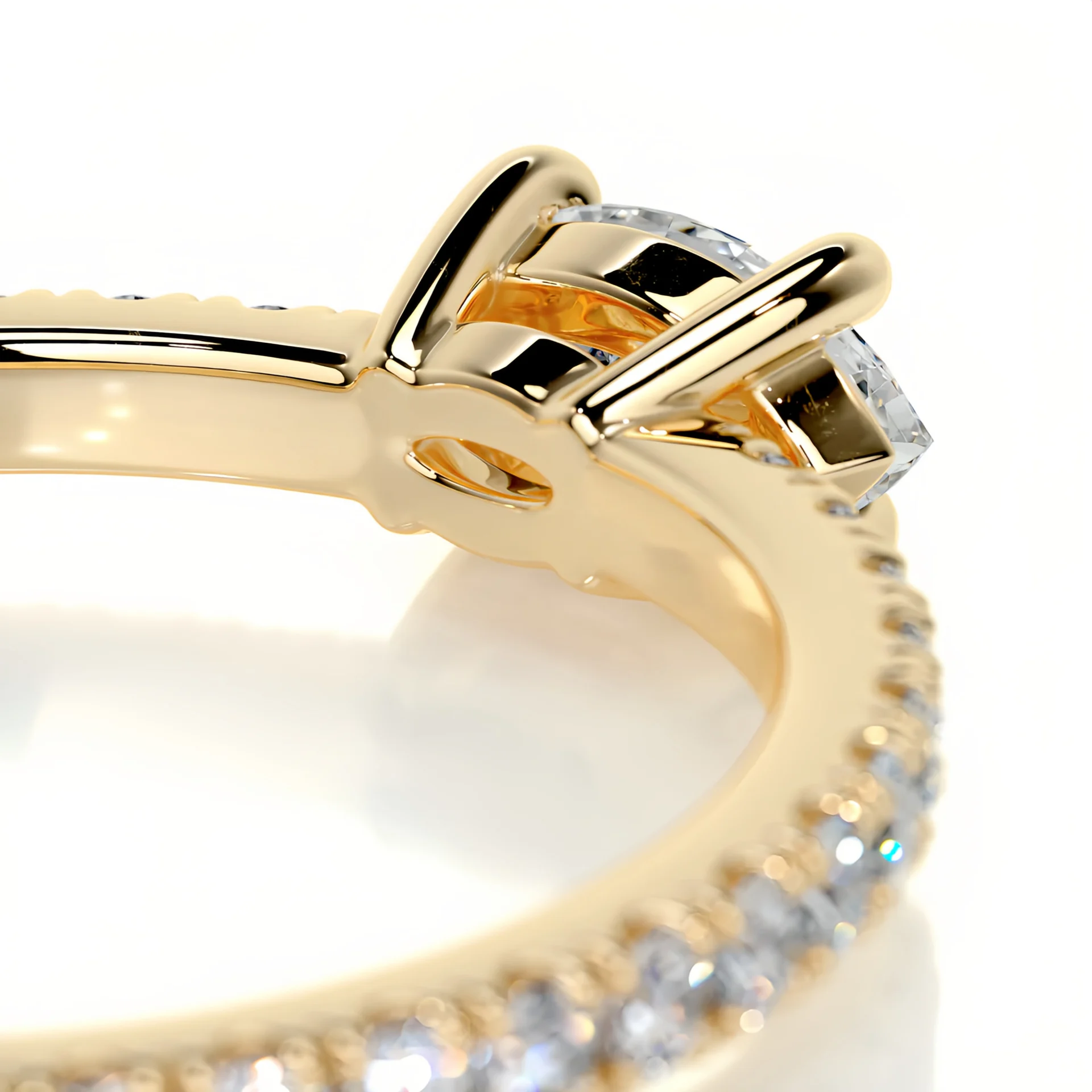
Select a background that contrasts with the jewelry without changing how its color appears. Use even lighting to reveal metal finish, stone setting, and surface details; avoid glare that hides construction. For online listings, include a neutral product image and a separate lifestyle view. For physical displays, check how pieces look from normal viewing distance as well as close up.
Choose fixtures for safe handling
Use necklace stands that reduce tangling, ring trays that keep sizes visible, and earring cards or bars that make pairs easy to compare. Keep higher-value items secure while allowing staff to retrieve them without disturbing the rest of the display. Clean surfaces and fixtures regularly, and ensure signage does not cover product details.
Adapt displays to the sales channel
In a shop or market booth, consider customer flow, reach, lighting, and safe storage. Online, use consistent image backgrounds, close-ups, scale references, and clear category navigation. Keep product names and specifications aligned between the display and listing so customers can find the item they saw.
Test one change at a time
Photograph the current setup and choose a measure that fits the channel, such as product interactions, add-to-cart rate, inquiries, or sales per visitor. Change one display element, such as grouping or lighting, and compare results over a similar period while noting stock and promotion changes. Keep changes that improve clarity or customer response, and revise those that do not.
Effective jewelry displays are clear, consistent, and easy to maintain. Start with the products customers need to compare, then use observation and sales data to refine the presentation.